Clownfish Voice Changer: Download, Setup and Complete Windows Guide
Clownfish Voice Changer is a popular Windows voice modification tool used to apply real-time voice effects to a microphone stream. This guide explains how to download the software from the site download page, install it, configure your microphone, select voice effects and troubleshoot common setup issues.
Use the sections below as a quick reference for Clownfish Voice Changer on Windows, including setup for Discord and other microphone-based applications.
What Is Clownfish Voice Changer?
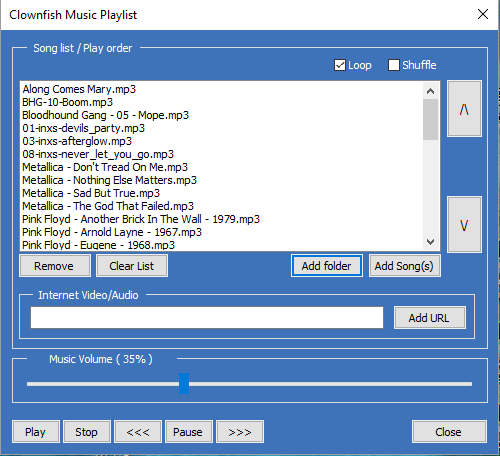
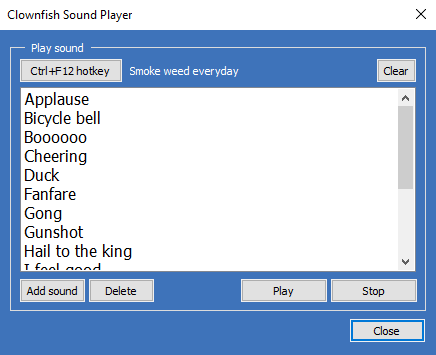
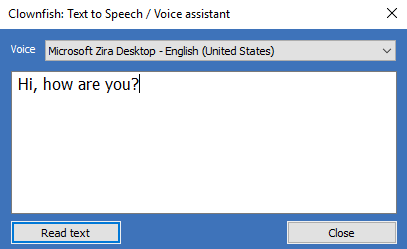
Clownfish Voice Changer works with Windows audio devices and provides voice effects, pitch controls and additional audio utilities. After installation and microphone configuration, you can choose an effect and test how your voice sounds in compatible voice-chat and communication applications.
How to Download and Install Clownfish Voice Changer
- Open the Download page and choose the installer provided for your system.
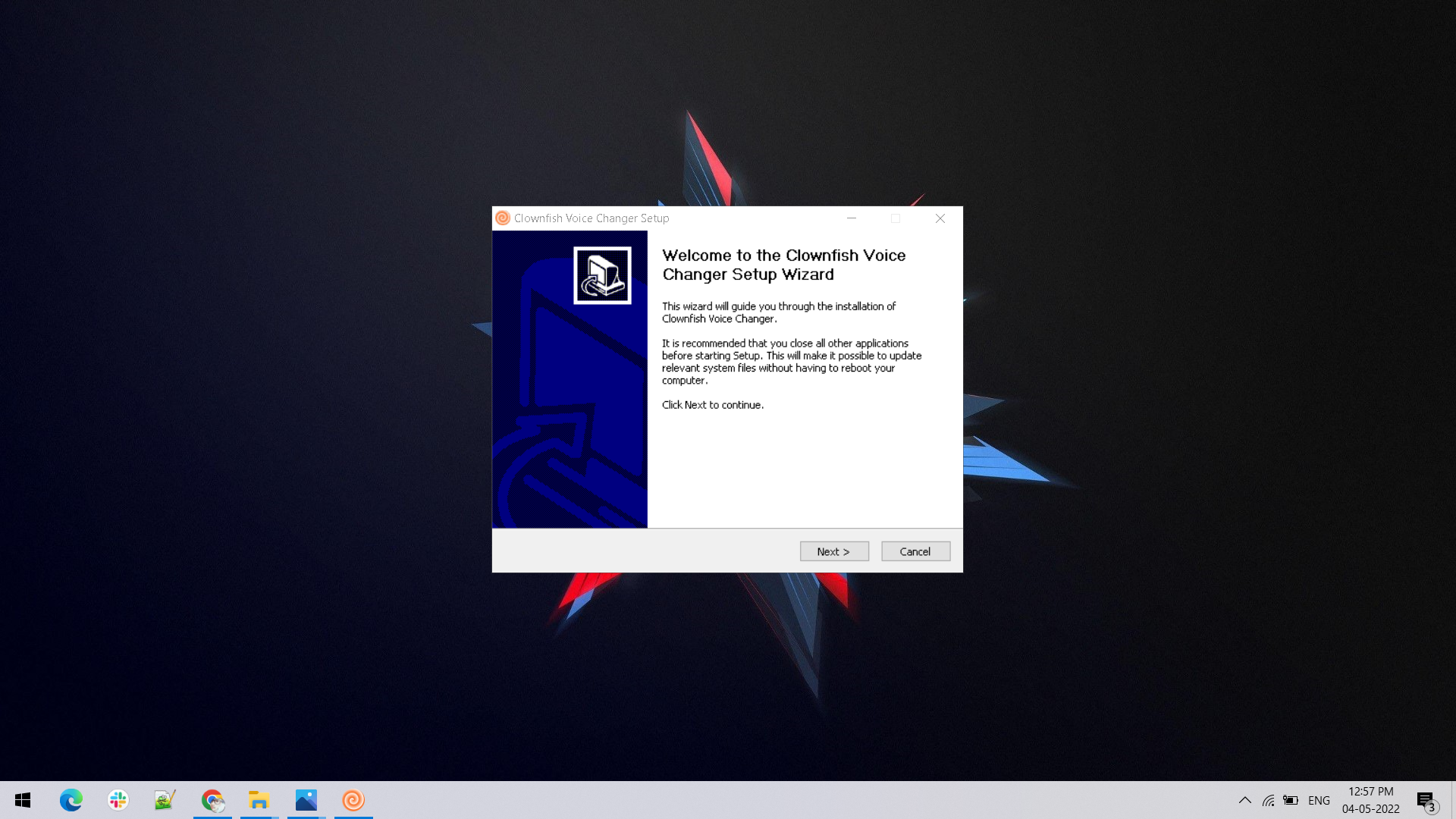
- Run the setup wizard and follow the on-screen installation steps.
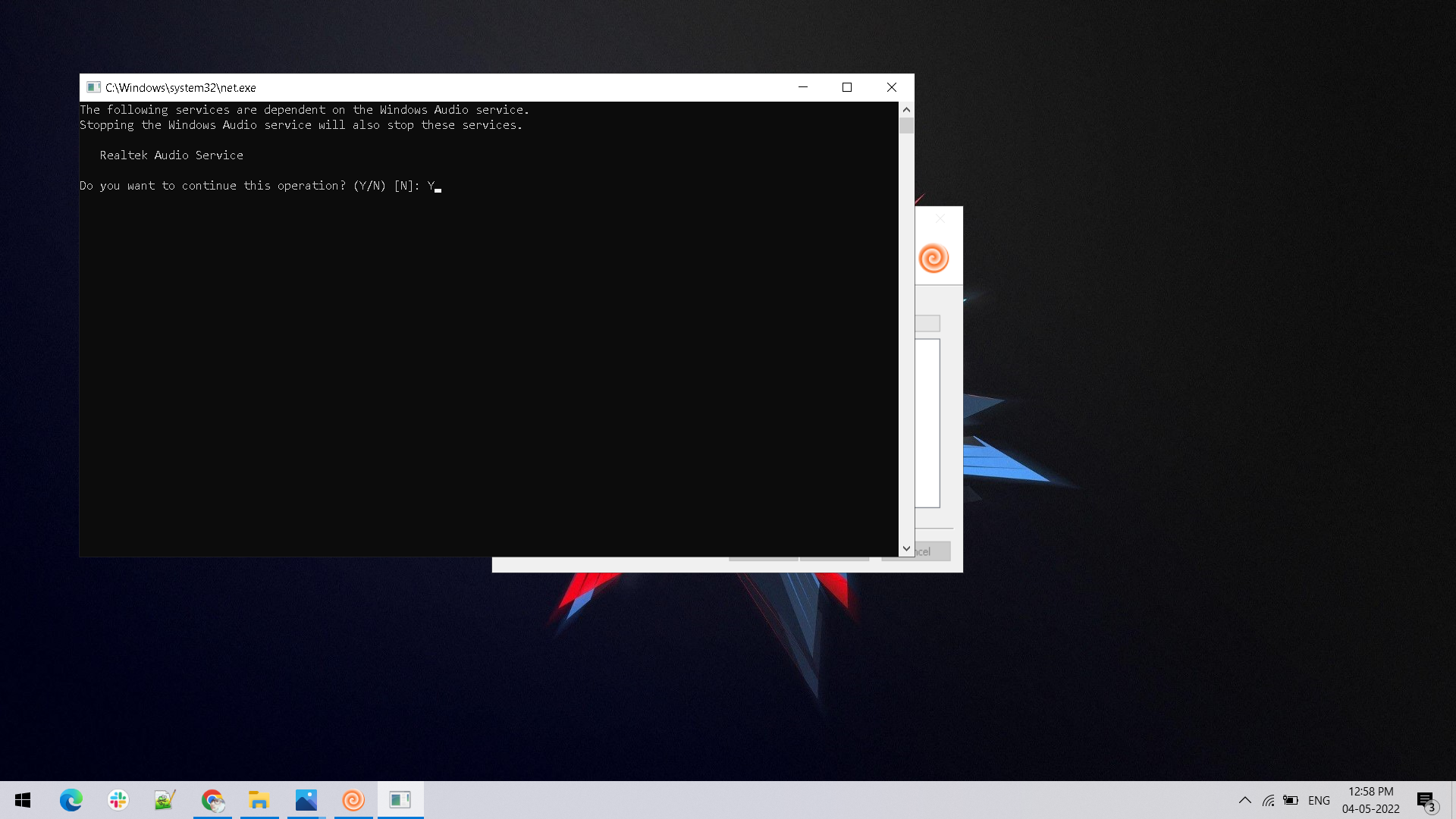
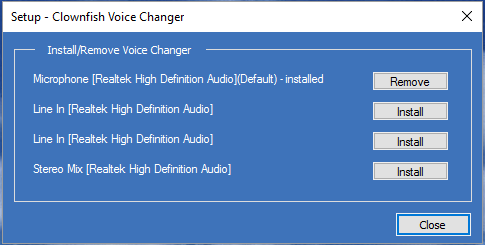
- Allow the setup utility to configure the required audio components when prompted.
- Open the setup utility and confirm that the microphone you want to use is configured correctly.
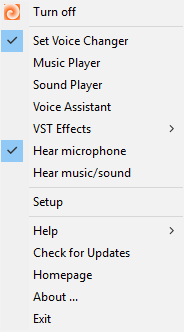
- Use the system tray menu to open the voice changer controls and select an effect.
How to Use Clownfish Voice Changer
Start by confirming that your microphone is working in Windows. Open the Clownfish setup controls, configure the active recording device if required, then open the voice changer panel. Select an available voice effect or adjust the pitch control. Finally, test your microphone in the application you plan to use. For a detailed walkthrough, visit the Help Guide.
Clownfish Voice Changer for Discord and Voice Chat
For Discord and similar voice-chat apps, first complete the Windows microphone setup. Then review the application's voice and input settings and test the selected microphone. If an effect is not heard, verify that the correct recording device is active and check the troubleshooting guide before changing multiple audio settings at once.
Popular Clownfish Voice Effects
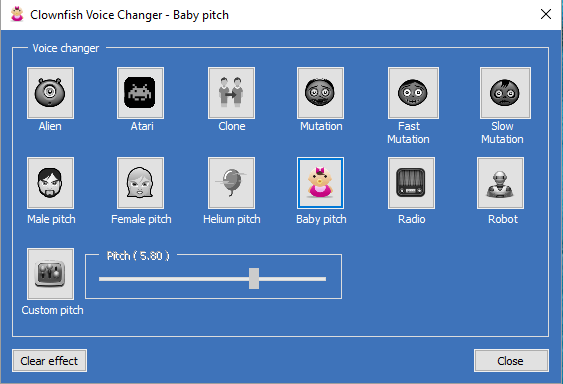
Available presets shown on this page include Alien, Atari, Clone, Mutation, Fast Mutation, Slow Mutation, Male Pitch, Female Pitch, Helium Pitch, Baby Pitch, Radio and Robot effects, along with custom pitch adjustment and silence mode. Test effects individually to find the voice style that works best with your microphone.
Clownfish Voice Changer Not Working? Try These Checks
- Confirm that your microphone works normally in Windows before testing voice effects.
- Check that the intended recording device is selected in the setup utility.
- Restart the voice application after changing microphone or audio settings.
- Review Windows microphone permissions for the application you are using.
- Use the Help Guide for additional setup information.
Why Use a Real-Time Voice Changer on PC?
Real-time voice tools can be useful for gaming, entertainment, voice-chat experiments and creative audio setups. The best experience usually comes from starting with a clean microphone configuration, testing one effect at a time and keeping the application input settings consistent.
Clownfish Voice Changer FAQs
Is Clownfish Voice Changer free?
Check the current download page for the latest availability and version information.
Does Clownfish Voice Changer work on Windows 11?
Review the compatibility information on this page and use the installer provided for supported Windows configurations.
How do I change my voice?
Configure your microphone, open the voice changer controls, select an effect and test the input in your chosen voice application.